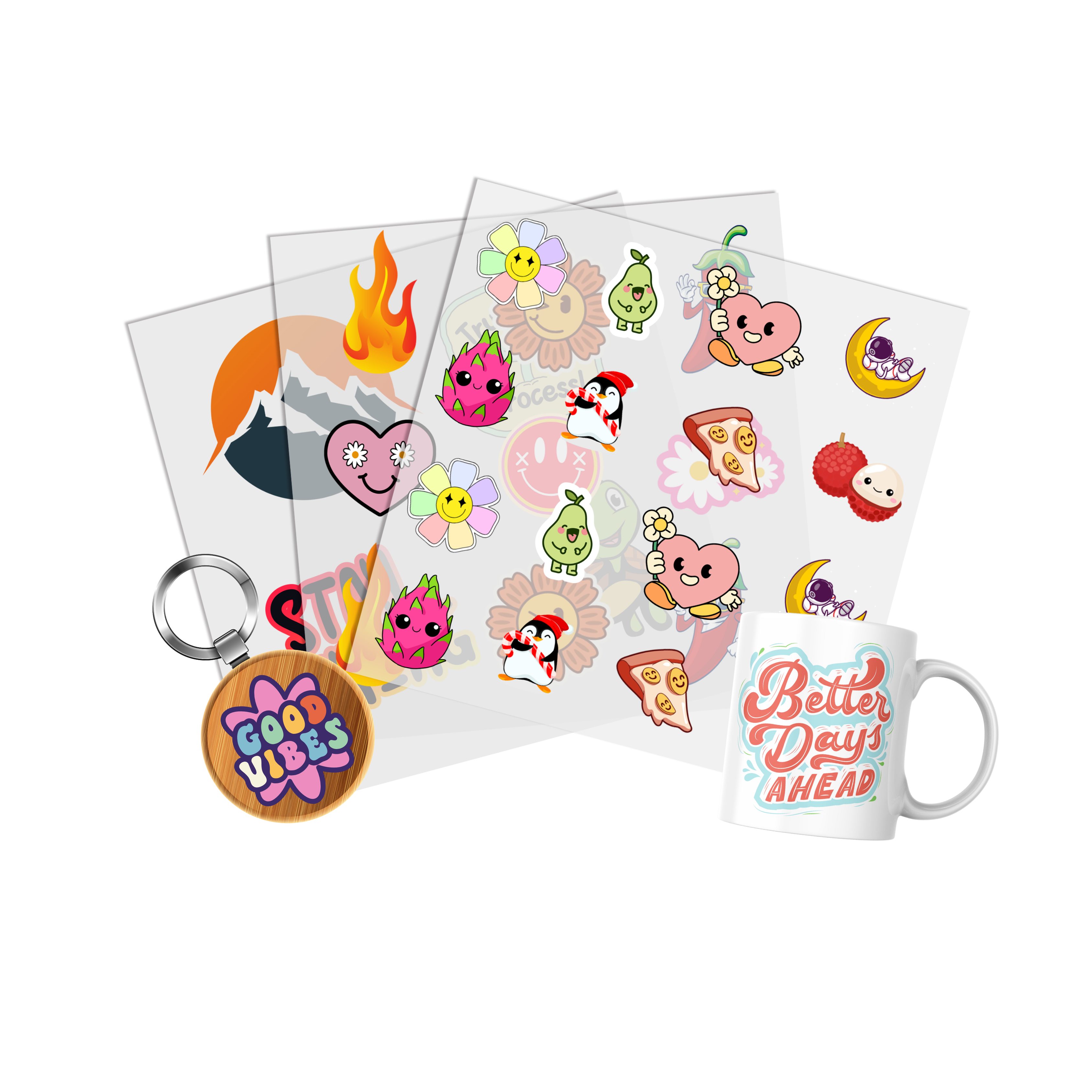
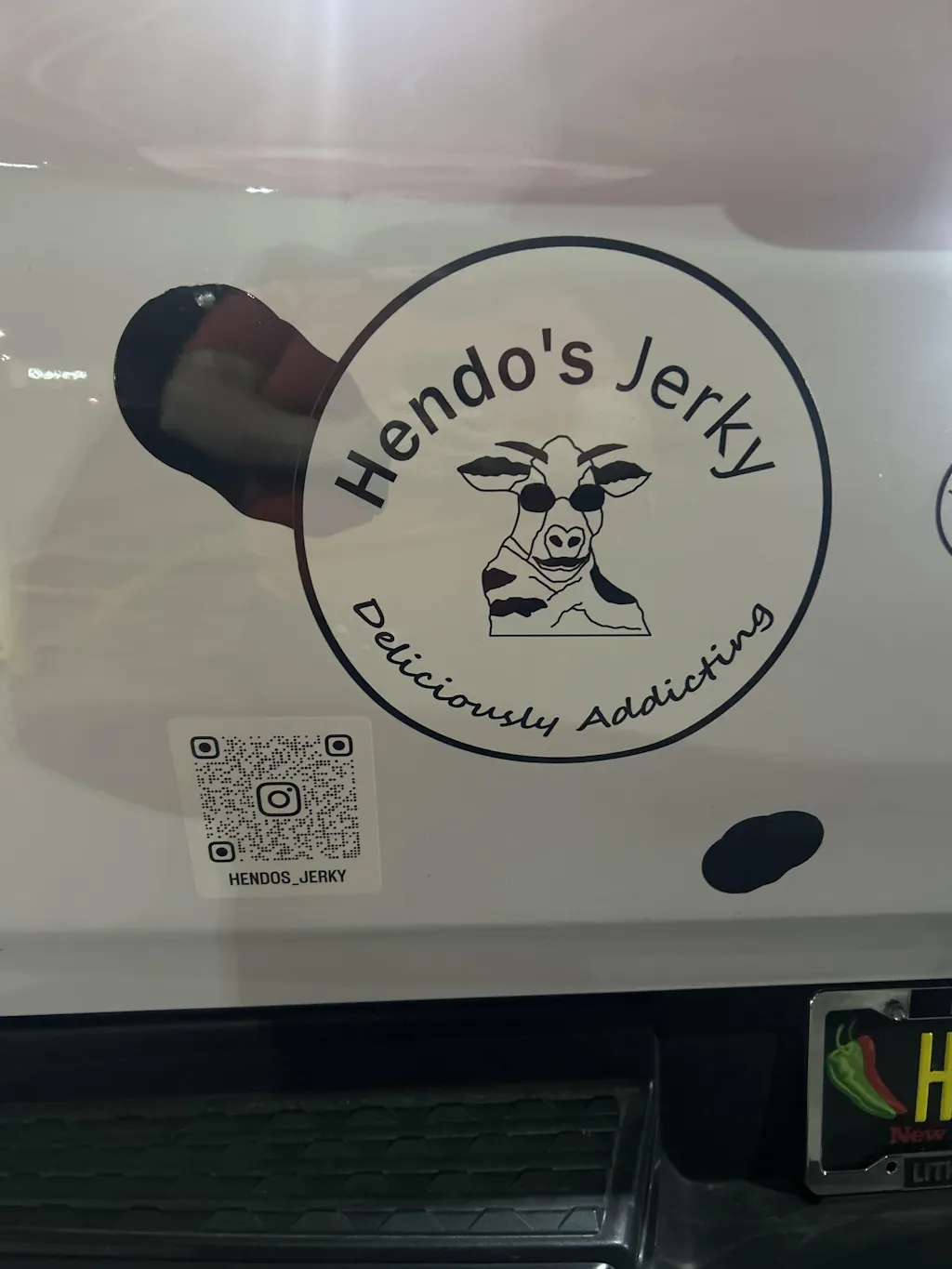
UV DTF Transfer By Size is an ordering option for projects where the finished transfer dimensions are already known. Instead of building several designs into one gang sheet, you can plan an individual UV DTF transfer around the size required for the specific application.
Review UV DTF Transfer By Size when you already know the approximate width and height needed for your design.
What Is UV DTF Transfer By Size?
UV DTF Transfer By Size allows a project to be planned around the dimensions of an individual transfer. This is useful when the artwork, application area, and intended finished size have already been defined.
The transfer size should be chosen around the actual item being decorated rather than from a universal size chart.
When Does Ordering by Size Make Sense?
- You have one primary design.
- The intended application area is already known.
- You know the approximate finished width and height.
- You need multiple copies of the same size.
- You do not need to combine several designs into one gang sheet.
Measure the Application Area First
Before ordering, identify the actual area where the transfer will be applied. The correct size depends on the product, artwork proportions, and available decoration area.
Simple Sizing Workflow
- Choose the item being decorated.
- Identify the intended application area.
- Measure the available width and height.
- Set the finished artwork dimensions.
- Confirm the size before placing the order.
This approach is more reliable than assigning one standard transfer size to every project.
Consider Artwork Proportions
A wide logo, square graphic, and tall design may require different dimensions even when they are applied to products of similar overall size.
Check Before Ordering
- Correct artwork version selected
- Design proportions preserved
- Text remains readable at the intended size
- Application position confirmed
- Required quantity counted
Avoid Universal Size Recommendations
There is no single UV DTF transfer dimension that fits every product or application. The correct size depends on the finished design, available surface area, and visual balance of the artwork.
Measure the real application area rather than relying only on generic A-series or preset size examples.
Transfer By Size vs. UV DTF Gang Sheets
Ordering by size is useful when each transfer can be defined individually. If a project includes several different designs, repeated logos, or multiple finished dimensions, a gang-sheet workflow may be more practical.
Review the UV DTF Gang Sheet when several graphics need to be organized together.
Choose Transfer By Size When
- You need one main design.
- The finished dimensions are already known.
- You want individual transfers rather than a combined layout.
Choose a Gang Sheet When
- You have multiple graphics.
- You need several copies or sizes.
- You want to organize different designs within one production layout.
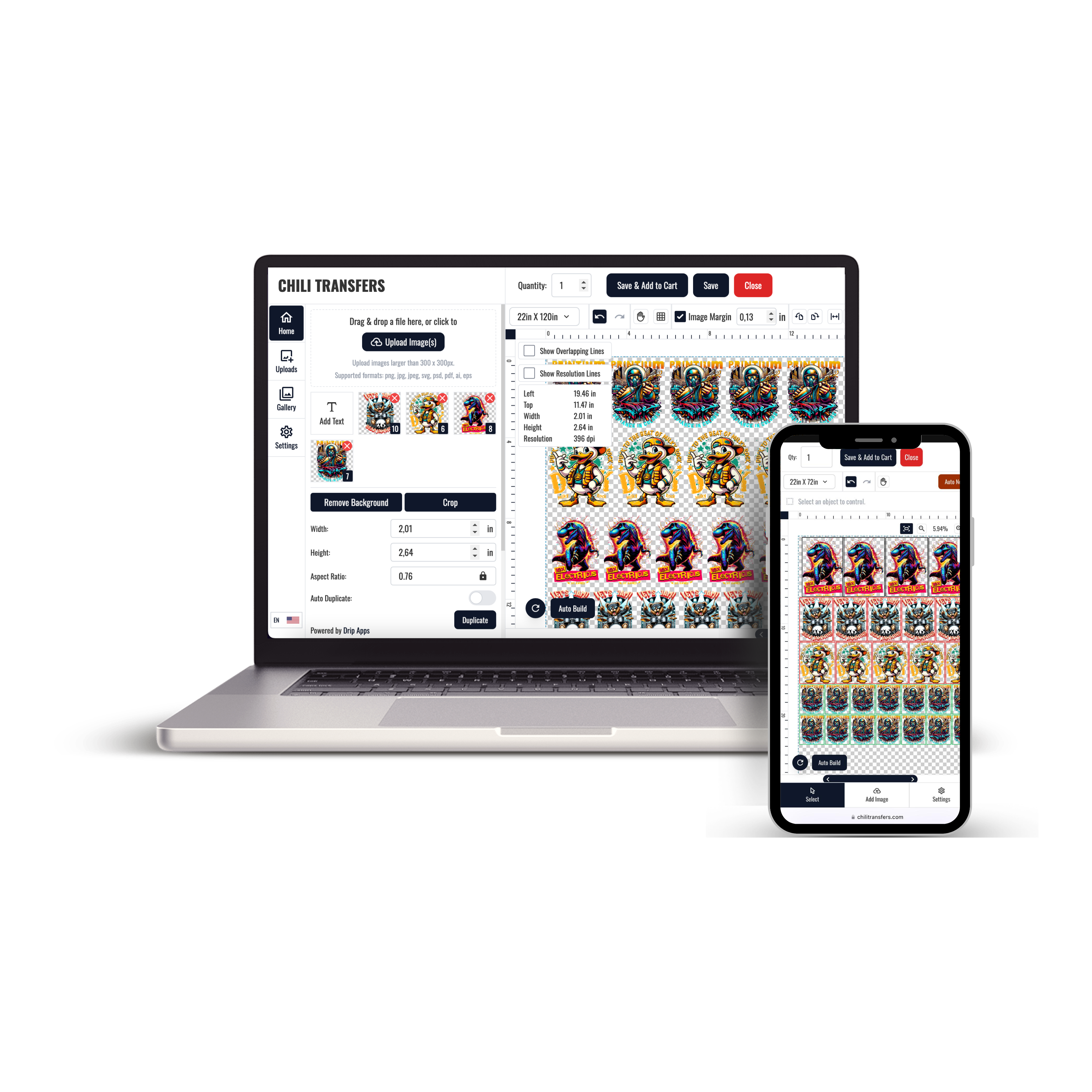
Use the UV Gang Sheet Builder for Multi-Design Projects
If several UV DTF designs need to be arranged into one layout, use the UV Gang Sheet Builder rather than forcing a by-size order into a multi-design workflow.
Confirm every design, finished dimension, and quantity before building the final sheet.
Keep UV DTF Separate From Apparel DTF
UV DTF and apparel DTF are different production and application systems. UV DTF transfer sizing should be planned around the intended UV DTF application rather than shirt, hoodie, or apparel-transfer size conventions.
This distinction helps keep the product type, sizing decision, and production workflow aligned.
Choose the Size Around the Actual Project
The correct UV DTF transfer size starts with the item, application area, artwork proportions, and finished dimensions.
Measure first, confirm the artwork size, and then decide whether an individual transfer by size or a gang-sheet workflow better fits the project.