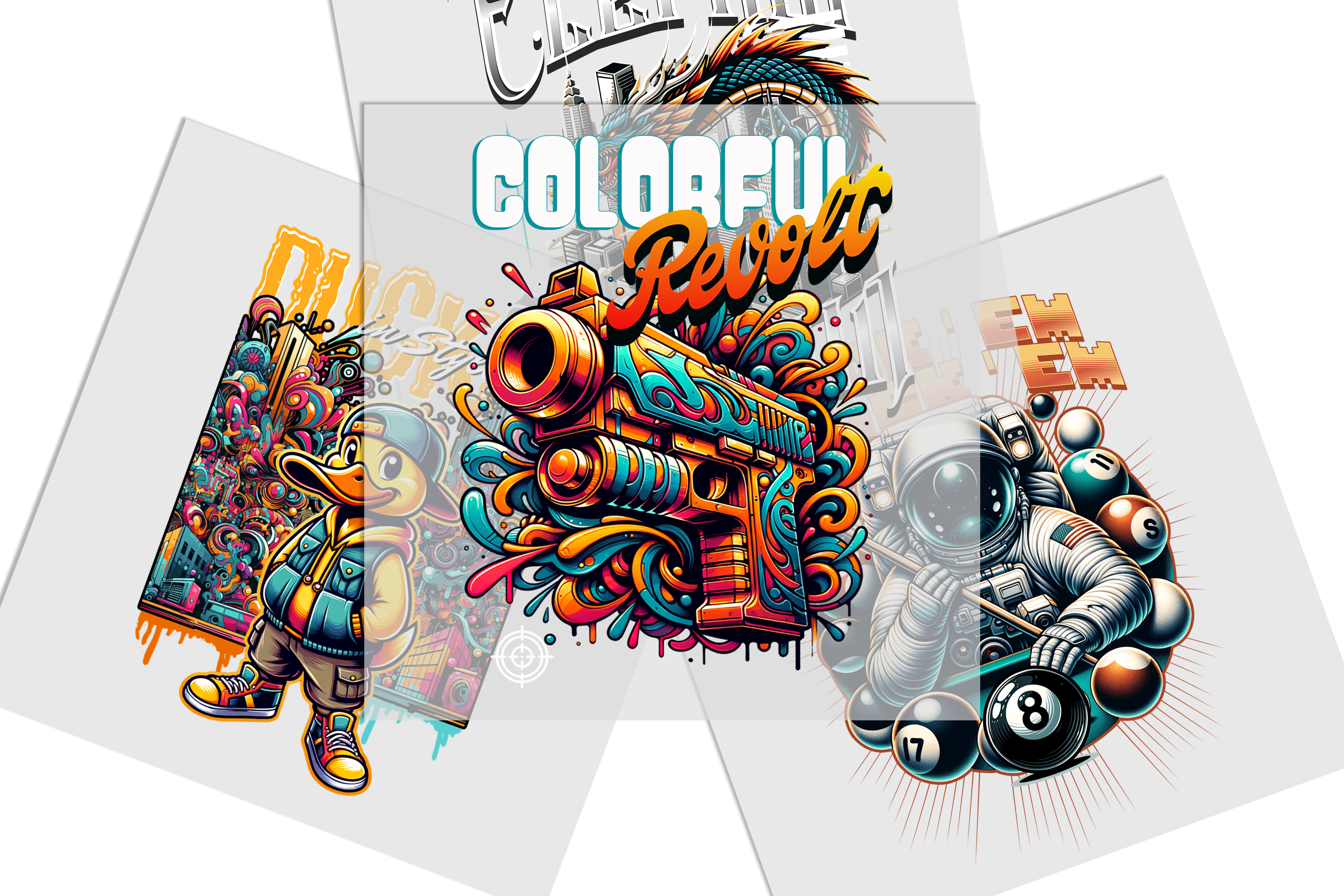
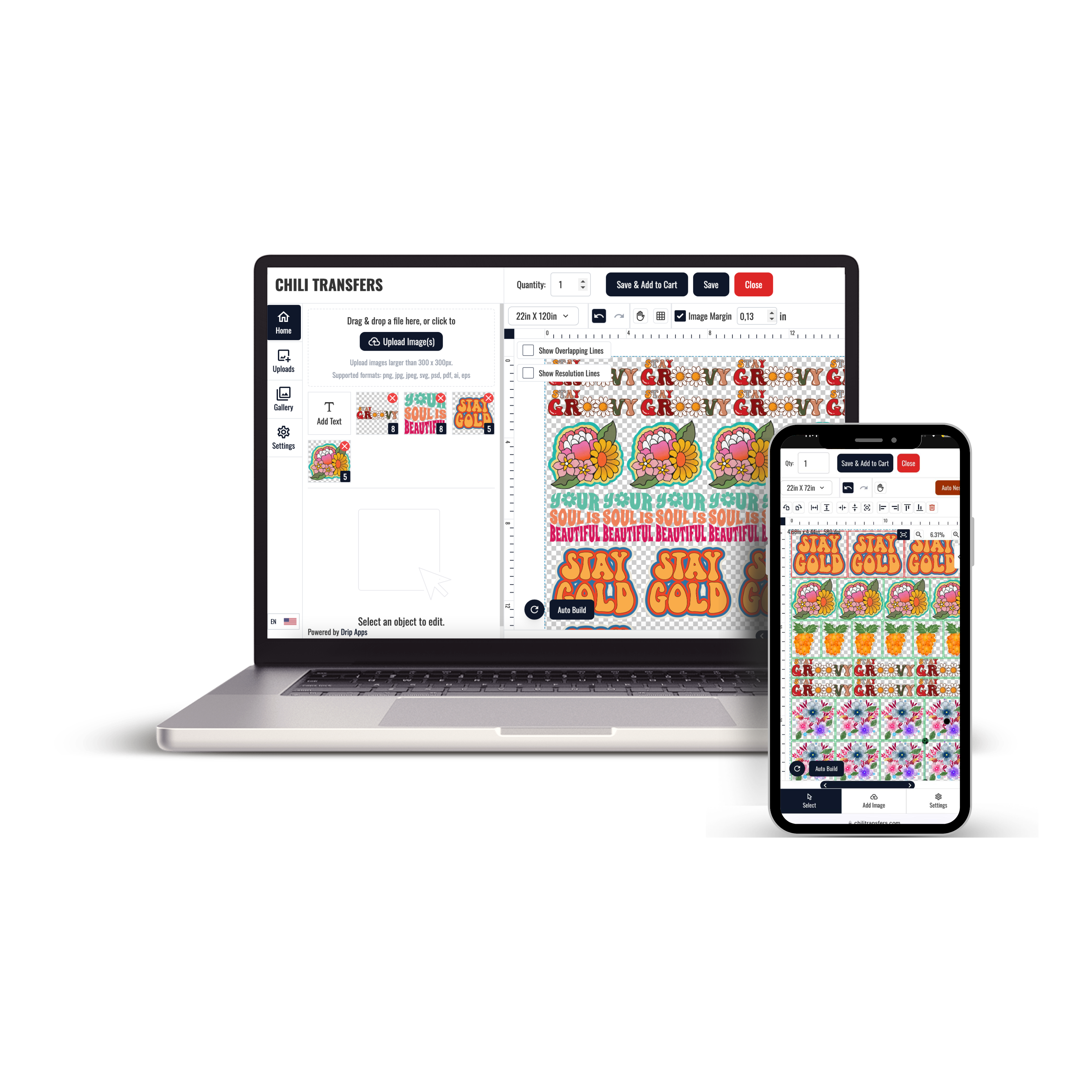
The DTF Gang Sheet Builder helps organize multiple transfer designs within one sheet layout. It is useful when a project includes repeated logos, several graphics, different transfer sizes, or multiple artwork versions that need to be prepared together.
Use the DTF Gang Sheet Builder when you want to arrange artwork before submitting a multi-design DTF order.
What Is a DTF Gang Sheet Builder?
A DTF gang sheet builder is a layout tool used to organize multiple designs within one transfer sheet. Instead of preparing every graphic as a separate order, designs can be arranged together according to the sizes and quantities required for the project.
When Should You Use a Gang Sheet Builder?
- You need multiple different designs.
- You need several copies of one graphic.
- Your order contains more than one transfer size.
- You are preparing artwork for several garments.
- You want to organize multiple transfer designs within one layout.
Prepare the Artwork Before Building the Layout
The builder should be the layout stage, not the artwork approval stage. Finalize each design before arranging the sheet.
Artwork Checklist
- Correct artwork version selected
- Text and spelling reviewed
- Transfer dimensions confirmed
- Quantity confirmed for each design
- Intended garment or placement identified
Completing these checks first reduces the chance of placing an outdated or incorrectly sized design into the final layout.
Confirm Transfer Sizes Before Arranging the Sheet
Every design should have an intended finished size before it is placed in the gang sheet. A chest logo, front graphic, sleeve design, and larger back print may require different dimensions.
If you are still determining individual measurements, review DTF transfers by size before building the final layout.
Simple Sizing Workflow
- Choose the intended garment.
- Select the print position.
- Measure the available decoration area.
- Set the finished transfer dimensions.
- Confirm the dimensions before adding the design to the sheet.
Organize Multiple Designs Clearly
A gang sheet can contain several artwork versions, so the layout should remain easy to understand after production.
Keep the Sheet Easy to Manage
- Group repeated artwork logically.
- Keep customer or project designs easy to identify.
- Check that every required design is included.
- Confirm the number of copies before submitting.
- Review the complete sheet before finalizing the order.
Builder vs. Uploading a Finished Gang Sheet
The correct ordering path depends on whether you still need to create the layout.
Use the Builder When You Need to Arrange Artwork
The DTF Gang Sheet Builder is the appropriate route when the designs still need to be organized into a sheet.
Upload a Finished Layout When the Sheet Is Already Complete
If the final gang sheet file is already prepared, use Upload DTF Gang Sheets instead of rebuilding the layout.
Before uploading, verify the artwork versions, dimensions, and quantities one last time.
Gang Sheet Builder for Repeat Production
A repeat-order workflow becomes easier when the approved artwork and finished dimensions are documented.
Save These Details for Future Orders
- Approved artwork filename
- Finished transfer dimensions
- Typical quantity
- Intended garment or placement
- Current artwork version
Keeping these details consistent helps prevent accidental changes when the same design is reordered later.
What Happens After the Gang Sheet Is Built?
Once the layout is finalized and the transfers are produced, each transfer can be matched to the intended garment and placement.
Application settings such as temperature, pressing time, pressure, and peel procedure should follow the instructions supplied for the specific transfer being used rather than a universal setting.
Build the Sheet Around the Actual Production Plan
The most useful DTF Gang Sheet Builder workflow starts with approved artwork, known transfer dimensions, and confirmed quantities.
Arrange the sheet only after those decisions are complete. If you already have a finished layout, use the upload route instead. This keeps the ordering process clear and prevents the builder from becoming a substitute for artwork planning.