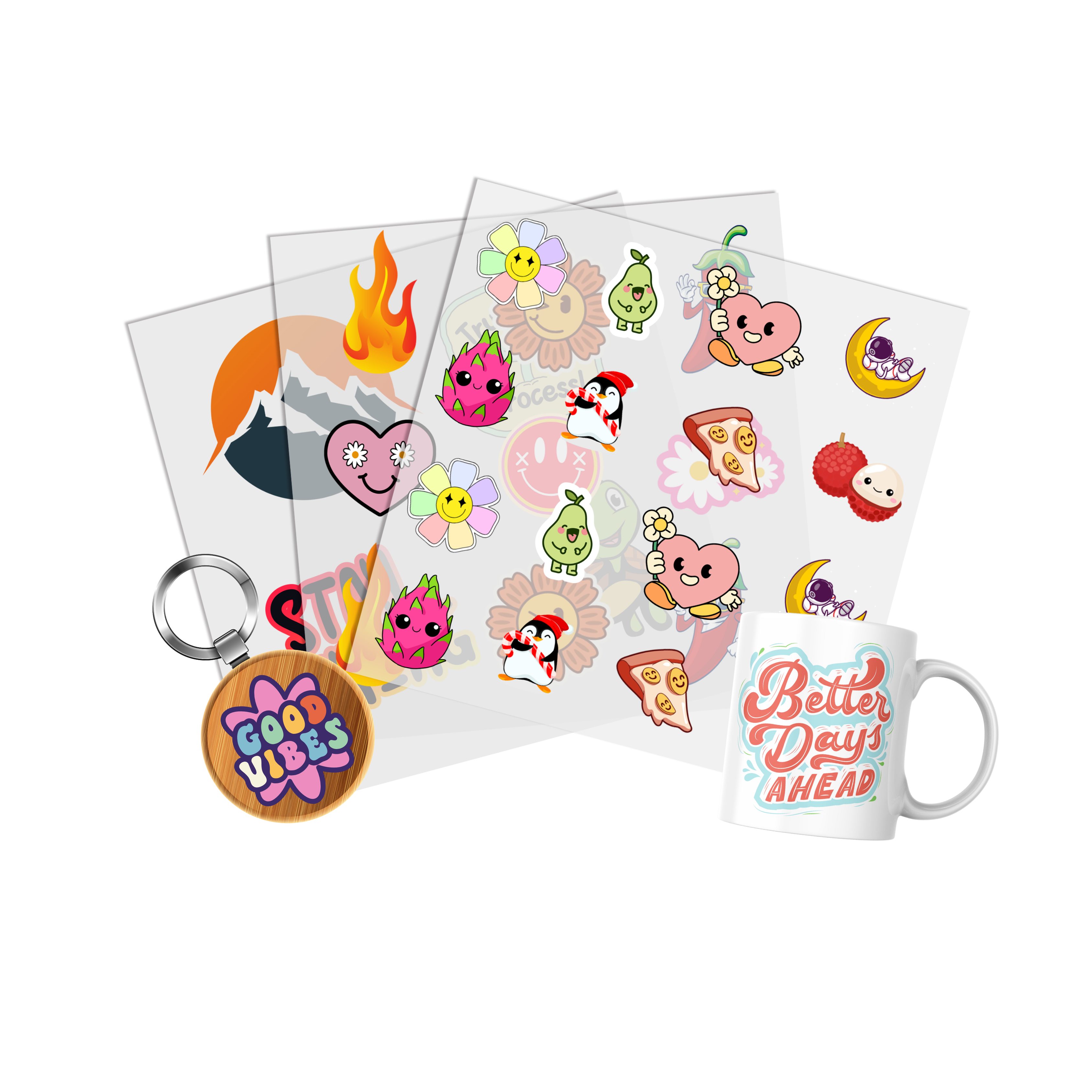
UV DTF Gang Sheet is an ordering format for organizing multiple UV DTF designs within one sheet. It can be useful when a project includes repeated logos, different graphics, multiple artwork sizes, or several designs that need to be prepared together.
Review the UV DTF Gang Sheet when your project requires multiple UV DTF designs to be grouped into one production layout.
What Is a UV DTF Gang Sheet?
A UV DTF gang sheet combines multiple transfer designs within one sheet layout. Instead of treating every graphic as a separate production decision, artwork can be organized together according to the dimensions and quantities required for the project.
This makes the gang-sheet format especially relevant when several designs belong to the same order or when one design needs to be repeated in multiple sizes or quantities.
When Does a UV DTF Gang Sheet Make Sense?
- You need several different designs.
- You need multiple copies of one design.
- Your project includes different finished sizes.
- You are preparing artwork for several products.
- You want to organize multiple graphics within one layout.
Plan the Artwork Before Building the Sheet
A gang sheet should begin with approved artwork. Finalize the graphics, dimensions, and quantities before arranging the layout.
Artwork Planning Checklist
- Final artwork version approved
- Finished dimensions confirmed
- Quantity confirmed for each design
- Text and spelling reviewed
- Intended application surface identified
Completing these checks first reduces the chance of placing an outdated or incorrectly sized design into the final gang sheet.
Choose the Correct UV DTF Transfer Size
Each design should have an intended finished size before it is placed in the gang sheet. Logos, labels, decorative graphics, and larger artwork may require different dimensions depending on the product being decorated.
If you need to order individual transfers around known dimensions, review UV DTF Transfer By Size before deciding whether a gang sheet is the better workflow.
Measure Before Finalizing the Layout
- Choose the item being decorated.
- Identify the available application area.
- Set the finished artwork dimensions.
- Confirm the quantity required.
- Add the approved design to the gang sheet.
Organize Multiple Designs Clearly
A UV DTF gang sheet can contain several artwork versions, so the final layout should remain easy to understand and separate after production.
Keep the Layout Organized
- Group repeated artwork logically.
- Keep different designs easy to identify.
- Confirm that every required graphic is included.
- Check the number of copies before submitting.
- Review the complete sheet before finalizing the order.
Upload a Finished UV DTF Gang Sheet
If your complete layout is already prepared, you may not need to rebuild the artwork arrangement.
Use Upload Your UV DTF Gang Sheet when the sheet has already been created and is ready for submission.
Before uploading, confirm the final artwork versions, dimensions, quantities, and overall layout.
UV DTF Gang Sheets vs. Individual Transfers
The right format depends on the structure of the project.
Choose Individual Transfers When
- You have one primary design.
- The finished dimensions are already known.
- You do not need to combine several graphics.
Choose a Gang Sheet When
- You have several different designs.
- You need repeated graphics.
- Your order contains multiple finished sizes.
- You want to organize several transfers together.
You can also review the broader UV DTF Transfers collection when comparing available UV DTF ordering formats.
Keep UV DTF Separate From Apparel DTF
UV DTF and apparel DTF are different production and application workflows. A UV DTF gang sheet should not be planned as if it were a heat-applied apparel transfer sheet.
This distinction matters when selecting the correct transfer format, artwork dimensions, production method, and intended application surface.
Build the Gang Sheet Around the Actual Project
The most useful UV DTF Gang Sheet workflow starts with approved artwork, known dimensions, confirmed quantities, and a clear application plan.
Arrange the sheet only after those decisions are complete. If the layout is already finished, use the upload route instead. This keeps the ordering process focused on the actual production requirements rather than treating the gang sheet as a substitute for artwork planning.